Discussion on Open Hardware
The foss-north crew discuss and explain copyright and licenses. In this episode, Javier Serrano joins us and discuss open hardware and how open licenses work in that space.
Paul Sutton – personal blog
Discussion on Open Hardware
The foss-north crew discuss and explain copyright and licenses. In this episode, Javier Serrano joins us and discuss open hardware and how open licenses work in that space.
Add Duckduckgo to firefox.
Further to my post on the 17th December.
It was rightly pointed out, that I should be using a browser other than Chrome. To this end, I have made a video illustrating how to add Duckduckgo to the Firefox web browser.
#firefox,#add,#duckduckgo,#extension

This work is licensed under a Creative Commons Attribution-ShareAlike 4.0 International License
Add new users to Debian
To do this you need to install gnome-system-tools then from the menu select Users and Groups
apt install gnome-system-tools
The video below illustrates the, short, simple process of adding new users to your system.
#debian,#add,#new,#user,#howto,#help,#support,freesoftware
This work is licensed under a Creative Commons Attribution-ShareAlike 4.0 International License
Covid update 17/12/2020
Vaccines
It is very good news that the UK has approved a COVID-19 vaccine for distribution. The vaccine is produced by Pfizer BioNTech (read more about it on the government website).
There are lots of other COVID-19 vaccines being developed. It is likely that in 2021 the national vaccination programme will combine different vaccines so that we can all be vaccinated, so it would be extremely helpful if you (as Covid Champions) start developing the skills needed to be confident vaccine communicators.
Vaccination has begun across Devon this week, but supplies are limited and the programme is focusing on the most vulnerable individuals in our community for the time being.
Your GP will get in touch when it’s your turn for a vaccine. We’re asking you to help us spread the word that people should not to get in touch with their GP or local hospital about vaccines because the NHS will contact you when it’s your turn.
The vaccination programme will take time, so it is important that everyone understands we cannot relax yet. Please help us keep Torbay safe by continuing to share information within your networks about the importance of social distancing, face coverings, testing and isolation in order to stop the spread of coronavirus.
If you have any specific questions about vaccines, please do get in touch on [email protected]
Advice on Christmas
I received the latest advice update yesterday, so these are
few key points about Christmas:
From Monday 14th December, contacts of people who have tested positive for coronavirus only need to self-isolate for 10 days. Read more about this in the government guidance online.
Wordpress and activity pub
If you are using Wordpress and would like to federate to Mastodon for example then this article on the wordpress website may be useful.
Thank you to Feditips for posting this to Mastodon.
You can follow the Activity Pub Plugin Author here
#wordpress,#mastodon,#federation,#activitypub
This work is licensed under a Creative Commons Attribution-ShareAlike 4.0 International License
Duck Duck Go Search
Duck Duck Go is a privacy friendly and aware search engine that does not track you or your activities online.
https://www.duckduckgo.com displays:
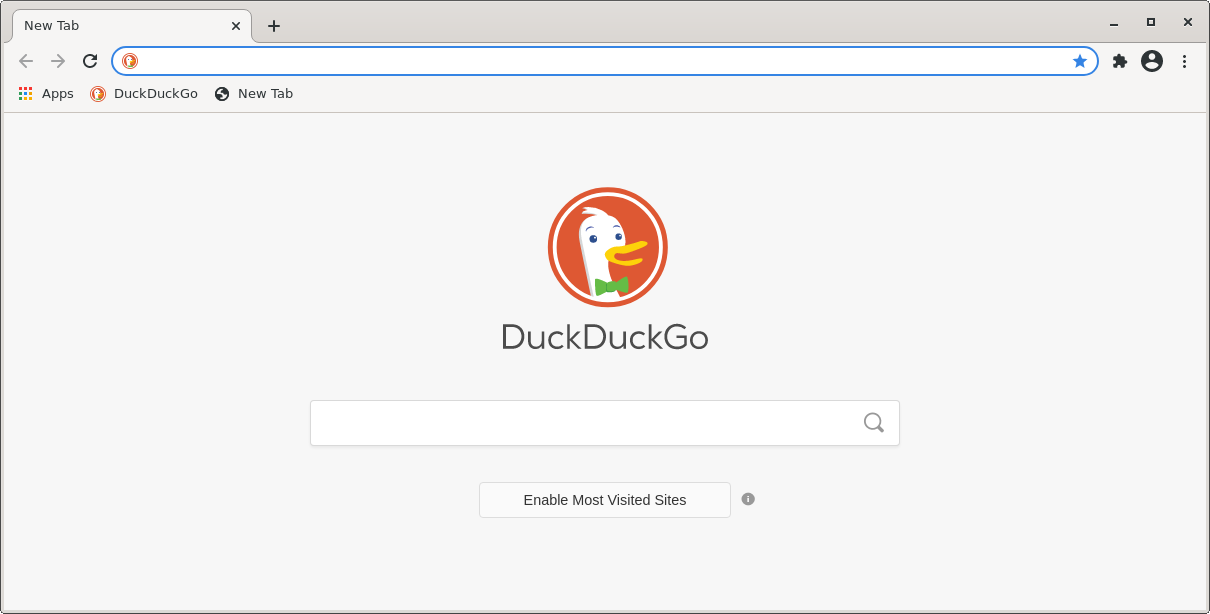
Enter your search terms in the box and you can either click the go button or select one of the suggestions.
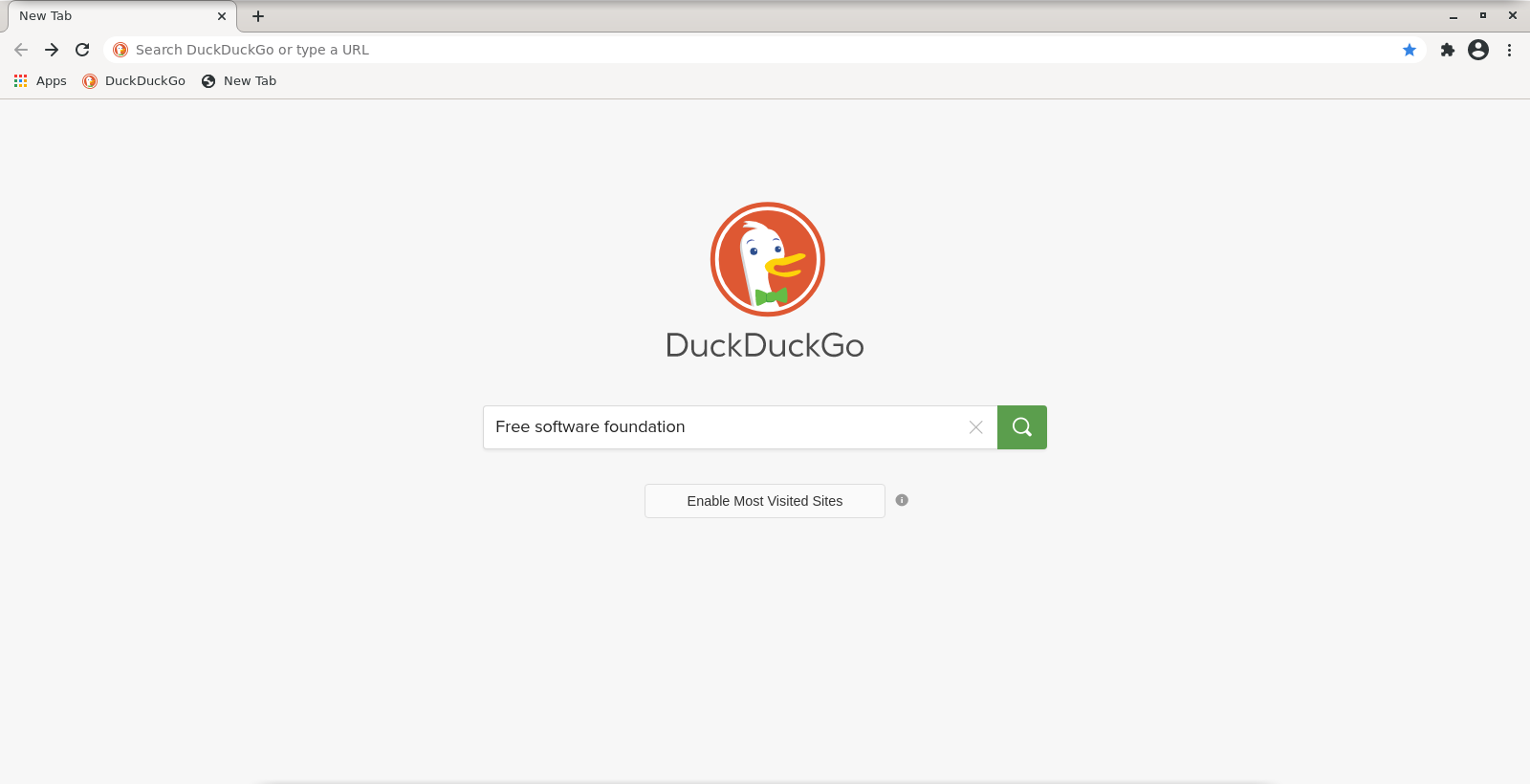
Search results page

Website we were looking for

Clicking back to the search results we can click in the corner (as shown) and add duck duck go to our browser and make it the default search engine (recommended).
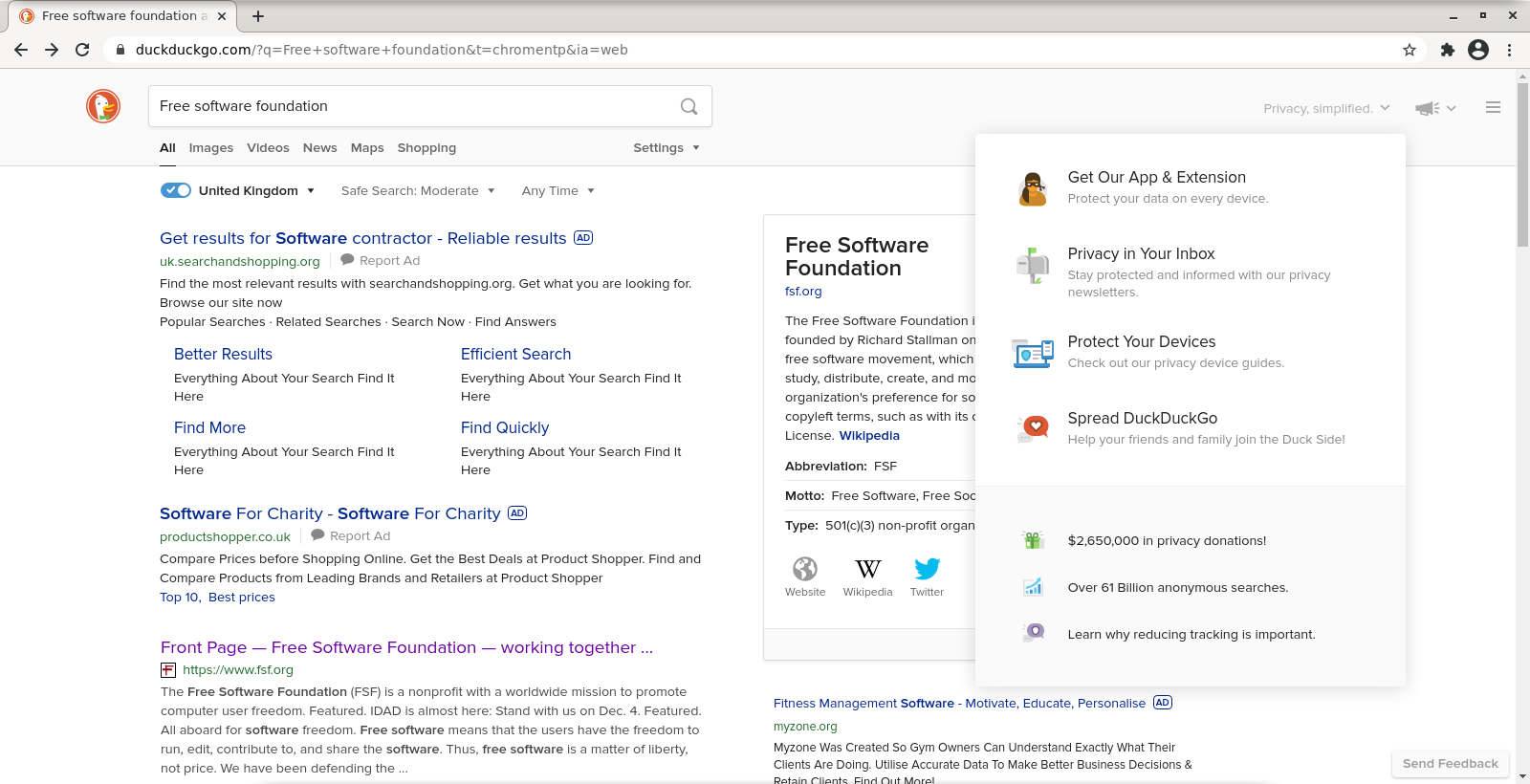
The video below shows searching, themes and how to add the extension to google chromem, plus how to make ddg the default search engine.
#search,#chrome,#duckduckgo,#privacy#internet,#information,#privacy,#notracking
This work is licensed under a Creative Commons Attribution-ShareAlike 4.0 International License
Small Tech Live Stream 17/12/2020
A reminder that our weekly Small Tech / Small Web live stream, Small is Beautiful, is tomorrow (Thursday 17/12/2020) at 5PM Irish time (UTC).
You can join us in the studio to ask live questions or join the conversation so have your webcam and headphones ready.
https://small-tech.org/events/small-is-beautiful/
For more info please contact Aral Balkan on Mastodon / Fediverse.
Liberoffice 7 Impress – Text formatting tool bar
By default libreoffice 7 impress does not display tools for text formatting on the toolbar.

To fix this, you need to
Click View —> Tool bars —> Text Formatting
And the tool will be displayed

Video below illustrates process
#libreoffice7,#impress,#display,#text,#formatting,toolbar, #help,#support.
This work is licensed under a Creative Commons Attribution-ShareAlike 4.0 International License
XFCE 4 – CD / DVD burning
There may be the odd time when you need to create your own CD / DVD. Usually this is a one way to create install media for Debian or other GNU+Linux based distribution.
I have created my own dvds from videos from the Free Software Foundation so their video resources are in one place. DVDs can be played easily, so I am not at the mercy of a bad internet connection or filtering when promoting free software.
XFCE comes with an easy to use burner called xfburn
Firstly open up xfburn from the menu. In this case we want to burn an image.

Now you need to choose the iso image


Once done select the speed, usually a good idea to go about midway so I usually go for 8x speed.

Select other options you need, and then press burn image.


In this case the cd / dvd will eject once the process has completed.
you can follow XFCE on Mastodon
This work is licensed under a Creative Commons Attribution-ShareAlike 4.0 International License.
Xfce4 multiscreen support
As my netbook is running Debian 10 + XFCE 4 desktop then plugging in a vga cable which is attached to my TV gives me the option to use the TV as a display too.

So this gives various options, extending the display will then allow windows to be dragged over, so I can watch a full screen peertube video on the tv for example.
Clicking the advanced option gives you the ability to fine tune this setup

Note Upon plugging in the VGA cable, the screen resolution will change and the dialogue box mentioned above will be displayed, removing the cable should restore the display.
As with anything Your mileage may vary with this*, but it seems to work really well.
This article will be shared via rss and on Mastodon, if you need any help then I will do my best to help with this, but you may want to follow XFCE on Mastodon
#debian,#buster,#xfce4,#desktop,#windowmanager,#gui,#screen,#multiscreen,#peertube,#video.
This work is licensed under a Creative Commons Attribution-ShareAlike 4.0 International License